History & Leaderboards
Every round you've played, your stats, and the best rounds on FOREPAID.
1. The History tab
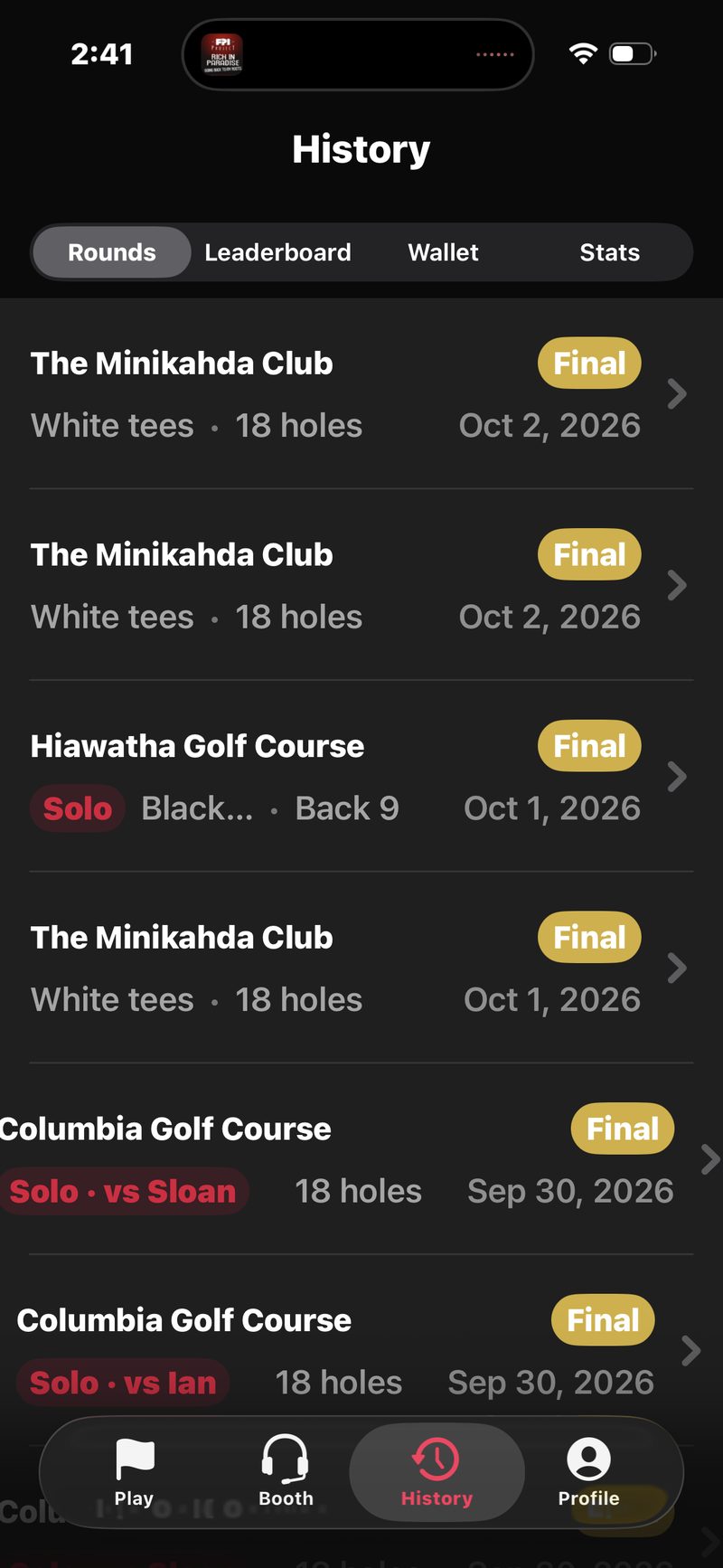
Tap History from the bottom navigation. Four tabs live here: Rounds, Leaderboard, Wallet, and Stats. Rounds is the default. It lists every round you finished, newest first. Each row shows:
- The course name and a gold Final tag.
- The tees, whether you played 18, the front 9 or the back 9, and the date.
- Chips that tell you what kind of round it was: Friendly on no-wager rounds, Solo on solo rounds (or Solo · vs Russ, Ian or Sloan when you played against your Golfcaster), Four-Ball on team rounds, Partial when the host ended a round early, and a red Unsettled chip when the host finished with money still to collect.
Open a round to see your money for it. Rounds still in progress and cancelled rounds don't show here.
Play it again. Swipe a round to the left and tap Replay, or open it and tap Play this round again. That sets up a new round with the same course, crew and games.
2. Viewing a past round
Tap any row to open the round detail. You'll see:
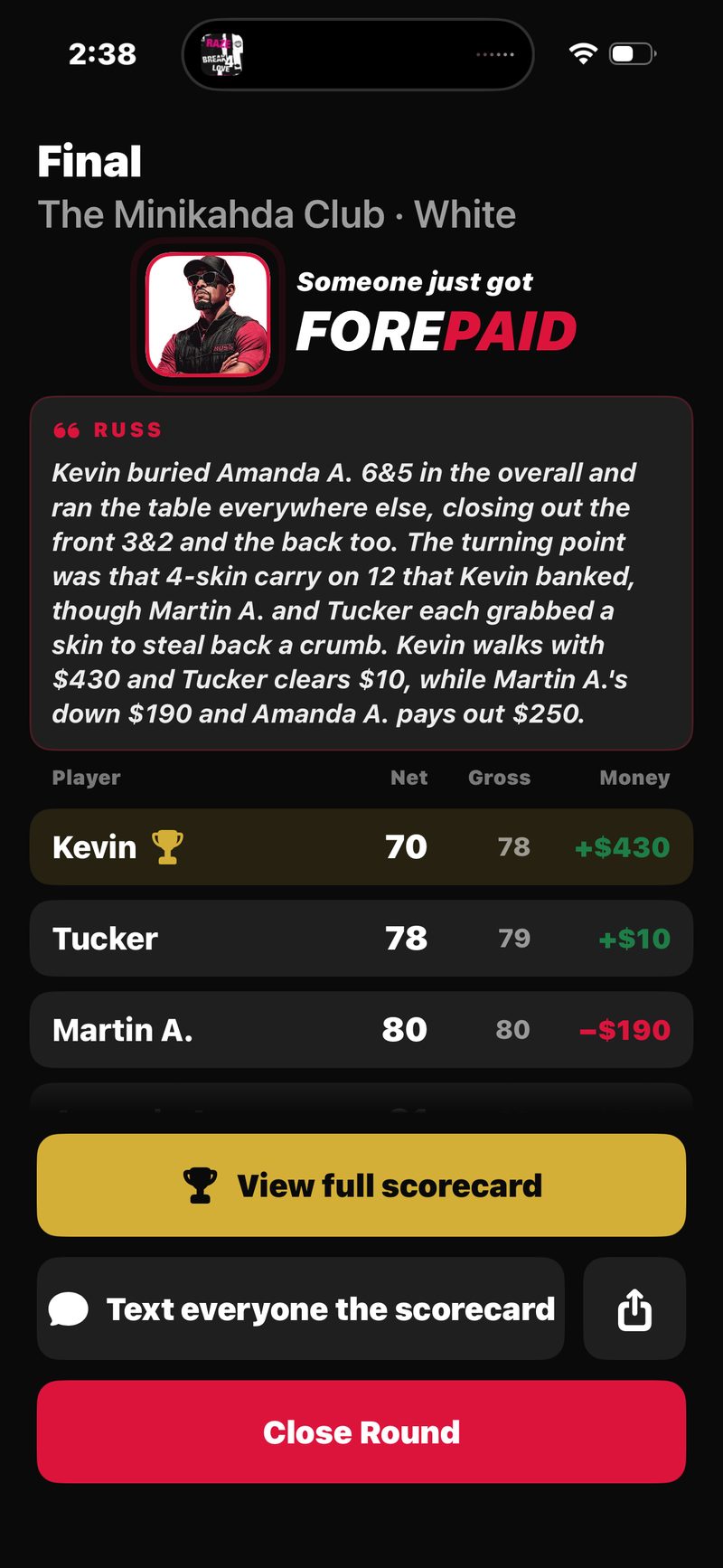
- The recap story, written by the Golfcaster who called the round.
- A results table with everyone's net, gross and money. Tap a player's name to see your record against them.
- View Scorecard for the full hole-by-hole card, including which holes each skin was won on.
- Your money for the round. Tap View full settlement to see every pair. On an unsettled round the button reads Settle up now, and you can mark debts paid from there.
- Replay your Golfcaster: hear every call from the round again.
- A share button (top right) to send the round to anyone.
Friendly and solo rounds have no money, so their detail view hides the money card. Scores are locked once a round is settled. If you spot an error, see the Disputes section of Settling Up.
3. Sharing your round
Open a finished round, tap the share icon (top right) and pick what to send:
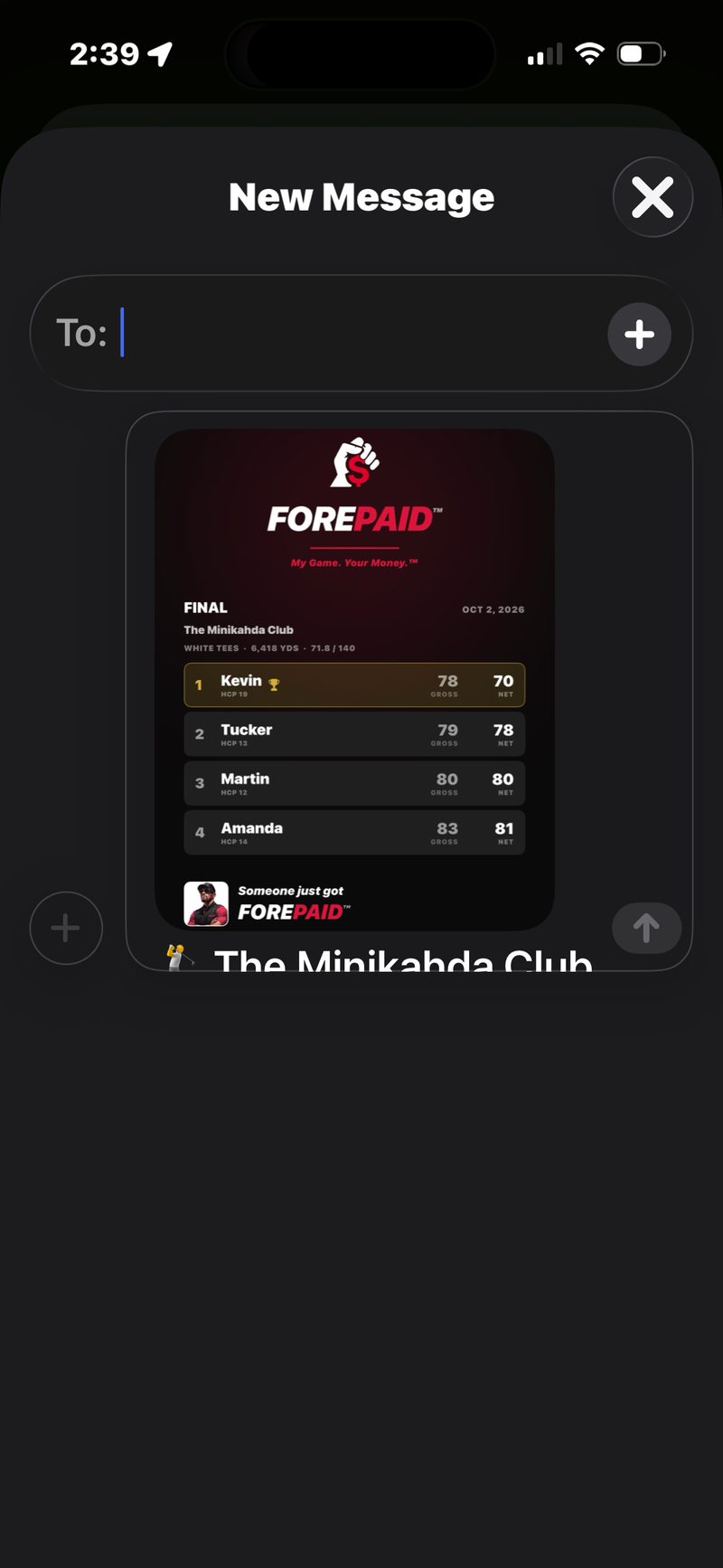
- Final Results: the results image with the scorecard link. This is the usual pick.
- Scorecard link: the web scorecard.
- Leaderboard image: just the results card.
- Scorecard image: the hole-by-hole grid.
- Money summary: your money lines for the round, as text.
The scorecard link
Every finished round gets a public link like forepaid.app/r/eagle-otter. Choose Scorecard link to send it through any app.
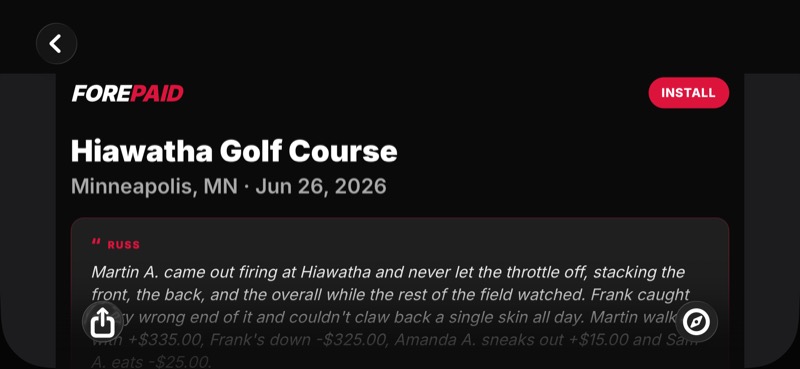
The shared page is read-only. It shows the course, the scorecard, the per-hole skins, the money standings, and the Golfcaster’s recap, but no account info, no payment handles, and no notifications. Anyone with the link can view it. They don't need FOREPAID installed.
Guests can save their round. Friends who played as guests without the app can open the link, tap their name under Played in this round?, enter their email and tap Save my round. See Guest Players.
The scorecard image
For a group chat or a story, share the Scorecard image instead of a link. It’s a branded card with the final scores (gross and net), the per-hole skins, and the money result, laid out front 9 and back 9. It posts as a picture anywhere, no tap-through required.
Opening a share link on iPhone
Scorecard links always open in Safari, even when FOREPAID is installed. The web page is the scorecard. A Get the app button at the top links to the beta for anyone who wants it.
4. My Stats: your game over time
If you track stats during rounds (the fairways / greens / putts compass on the score pad, on by default), the Stats tab turns them into your career picture: fairways and greens with your miss pattern (left, right, long, short), putts per 18, three-putts per 18, plus sand shots and penalties when you log them. It’s all added up across every round you’ve tracked. Ten rounds in, “miss: 3 right” stops being a number and starts being a lesson.
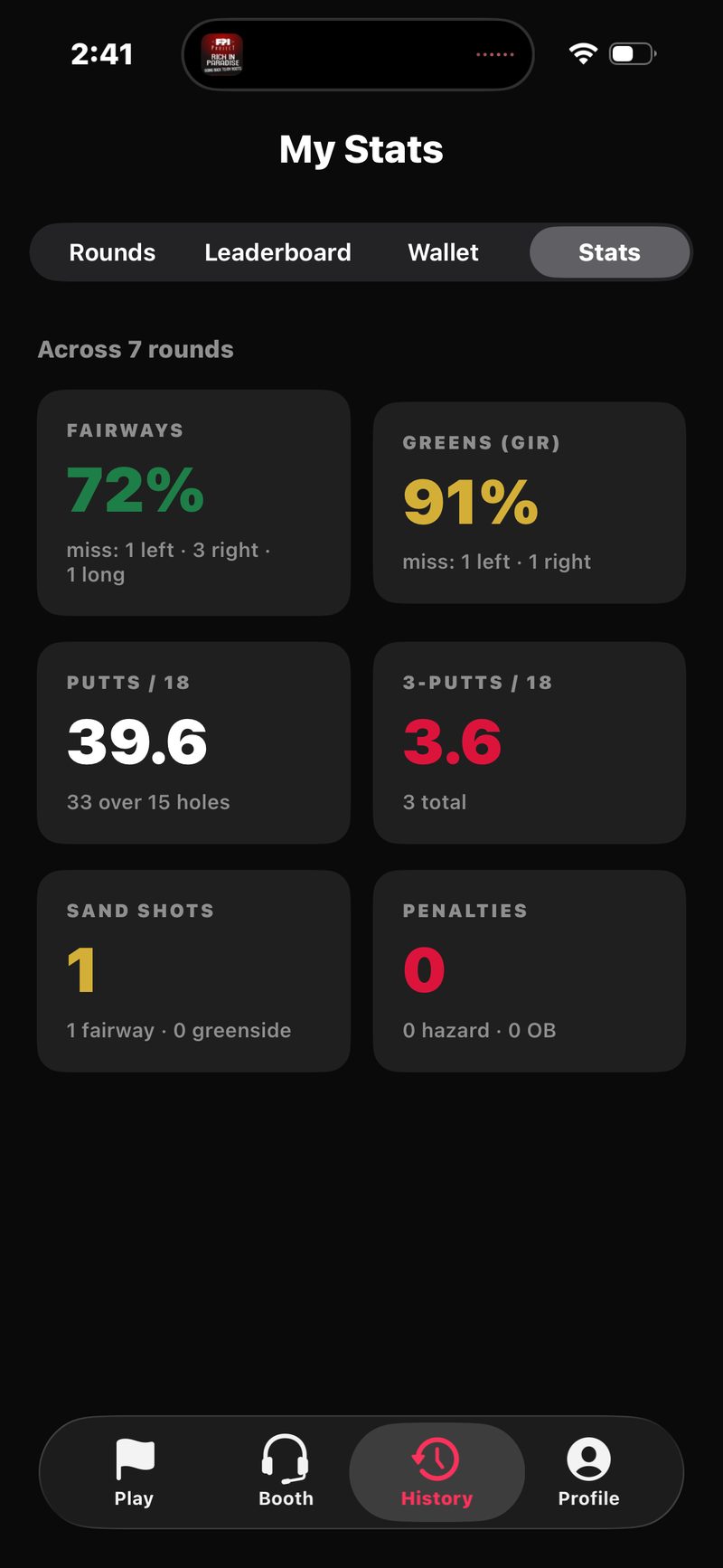
Not a stats person? Turn off Track my stats in Profile and you just play.
5. Finding the people you play with
FOREPAID doesn't have a friend-request system. When you add players to a round, people you've played with before show up at the top under Returning players. You can also find any FOREPAID golfer by name or @handle.
6. The leaderboard
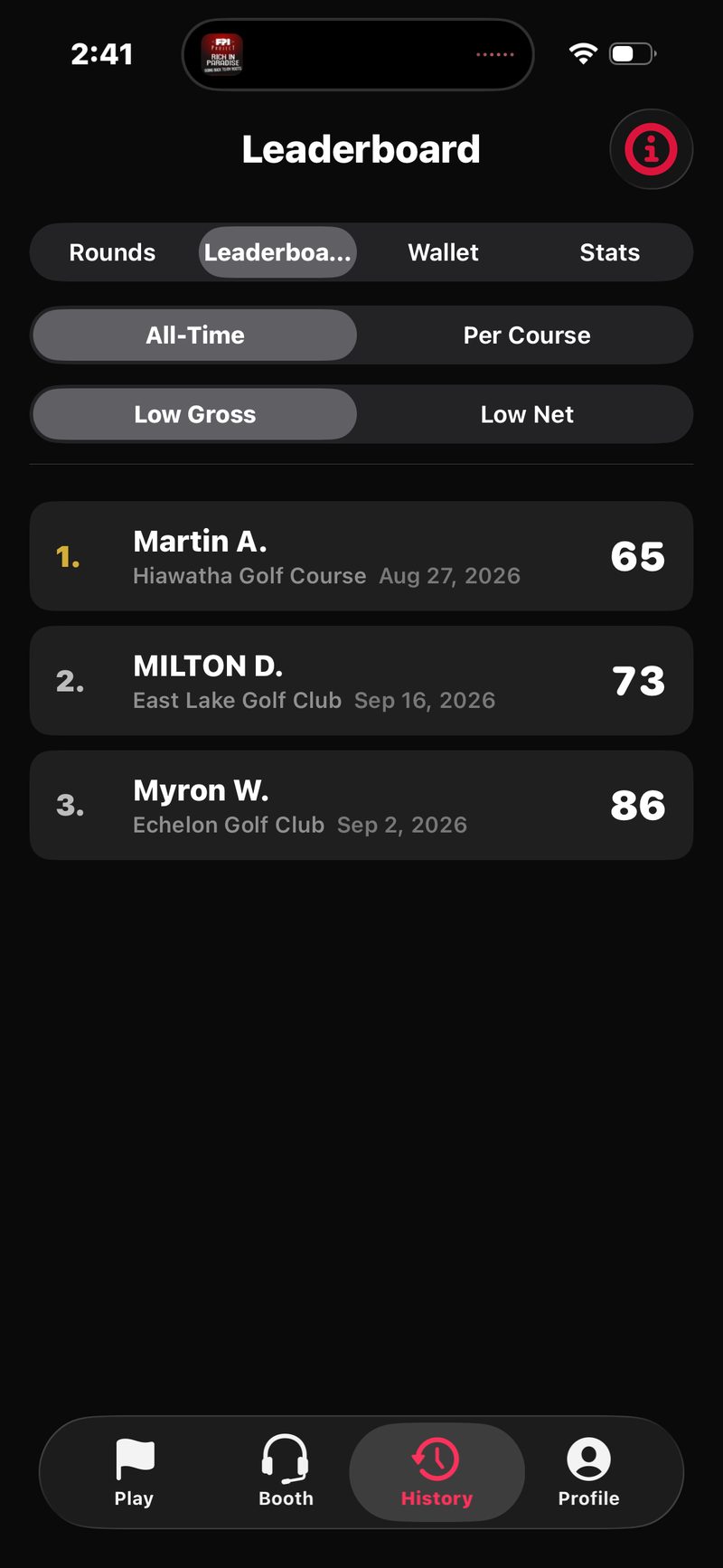
From the History tab, tap Leaderboard at the top. It ranks the best rounds posted on FOREPAID, across every golfer who opted in, not just your friends. Each golfer shows once, with their best round.
- All-Time or Per Course. All-Time ranks best rounds anywhere. Per Course lets you pick one course.
- Low Gross or Low Net. Gross is the real number of strokes. Net takes off the handicap each golfer played off for that round, and every net row shows it (like HCP 12.4) so you can see who’s getting strokes.
Each row shows the golfer, the course, the date and the score. To see your record against someone, open a round you played with them in History and tap their name, or use the Wallet.
7. Privacy: opting in or out
You're invisible on the leaderboard by default. New FOREPAID accounts don't show up until they opt in.
To appear, open Profile, find the LEADERBOARD section, and turn Publish my scores on.
When you opt in, your best rounds can appear on the board for every FOREPAID golfer. You can opt out anytime. Your name disappears from everyone's view right away and stays hidden until you opt back in.
8. How rankings work
The lowest score ranks first, gross or net depending on the tab. If two rounds tie, the more recent one ranks higher. Each golfer shows once, with their best round.
Only completed 18-hole rounds count, so 9-hole rounds never show. Rounds in progress and cancelled rounds don't count either.
Bryan's best round is a 78 at Hiawatha. Ravi's best is also a 78, played a week later somewhere else. On the All-Time Low Gross board, Ravi ranks just above Bryan because his 78 is more recent.